
Introducing Lists - Curate and Share Your Own Story Collections
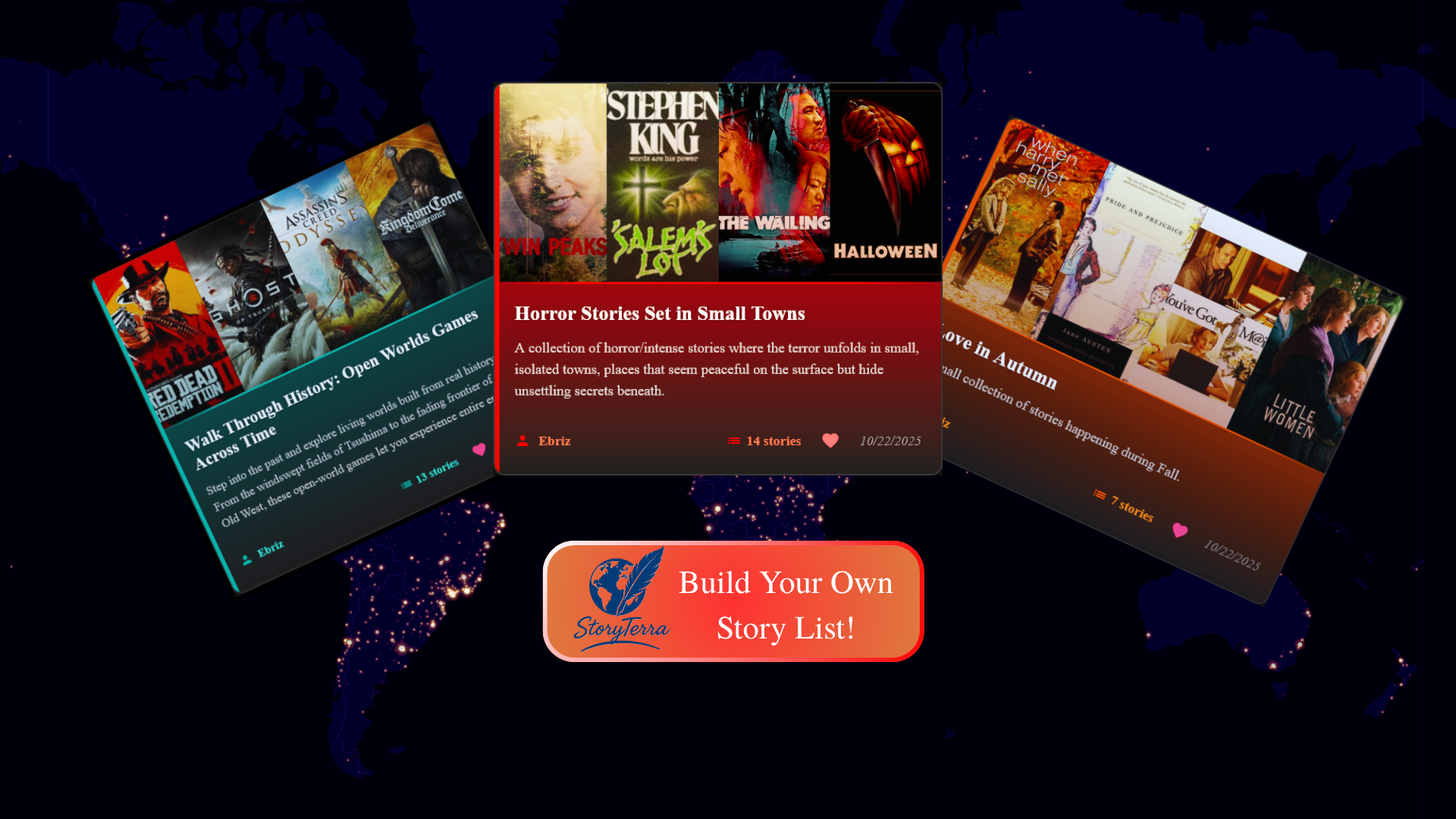
Until now, exploring meant picking a location on the map and sliding through time to see what stories unfolded there. It's a fantastic way to see what was happening across the globe at any given moment in history.
But I realized there was no good way to group stories that are thematically related but happen in completely different locations or time periods.
The new Lists feature solves this problem.
Now, anyone can sign up and create public lists of stories, pulling from the 120,000+ movies, books, games, and TV shows available on the site. Every list you create is public, has a shareable link, and can be liked by other users. The stories inside a list appear as the same interactive cards you're used to, so you can still expand them for more information, similar items, historical events, and all the other good stuff.
How It Works
To get started, you'll need to sign in with your email or Google account. This gives you access to the new Profile tab. From your profile, you can:
- Click the "Create a New List" button to start a new collection.
- View all the lists you've created.
- See a collection of lists you've liked.
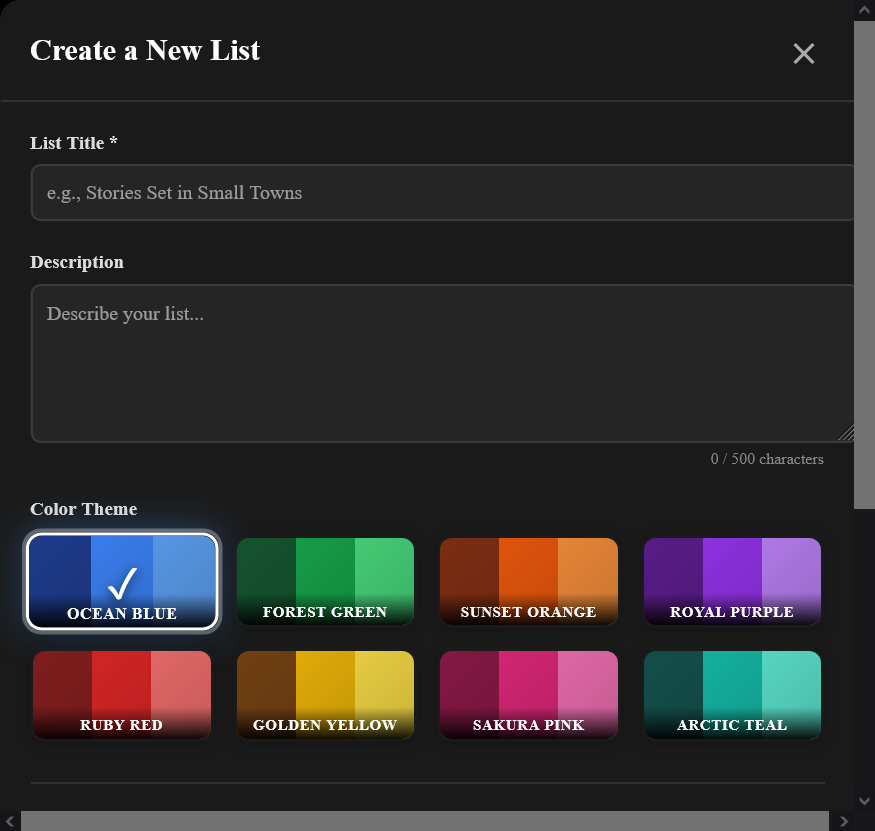
When you go to the list creation page, the process is straightforward:
- Give your list a Title and a Description.
- Use the search bar to find the stories you want to add. (Heads up: the search can sometimes take a few seconds to query the database).
- Arrange the stories in any order you like using the simple up and down arrows next to each item.
- Pick a Color Palette for your list from the available themes to give it some personality.
And that's it! Your list is live.
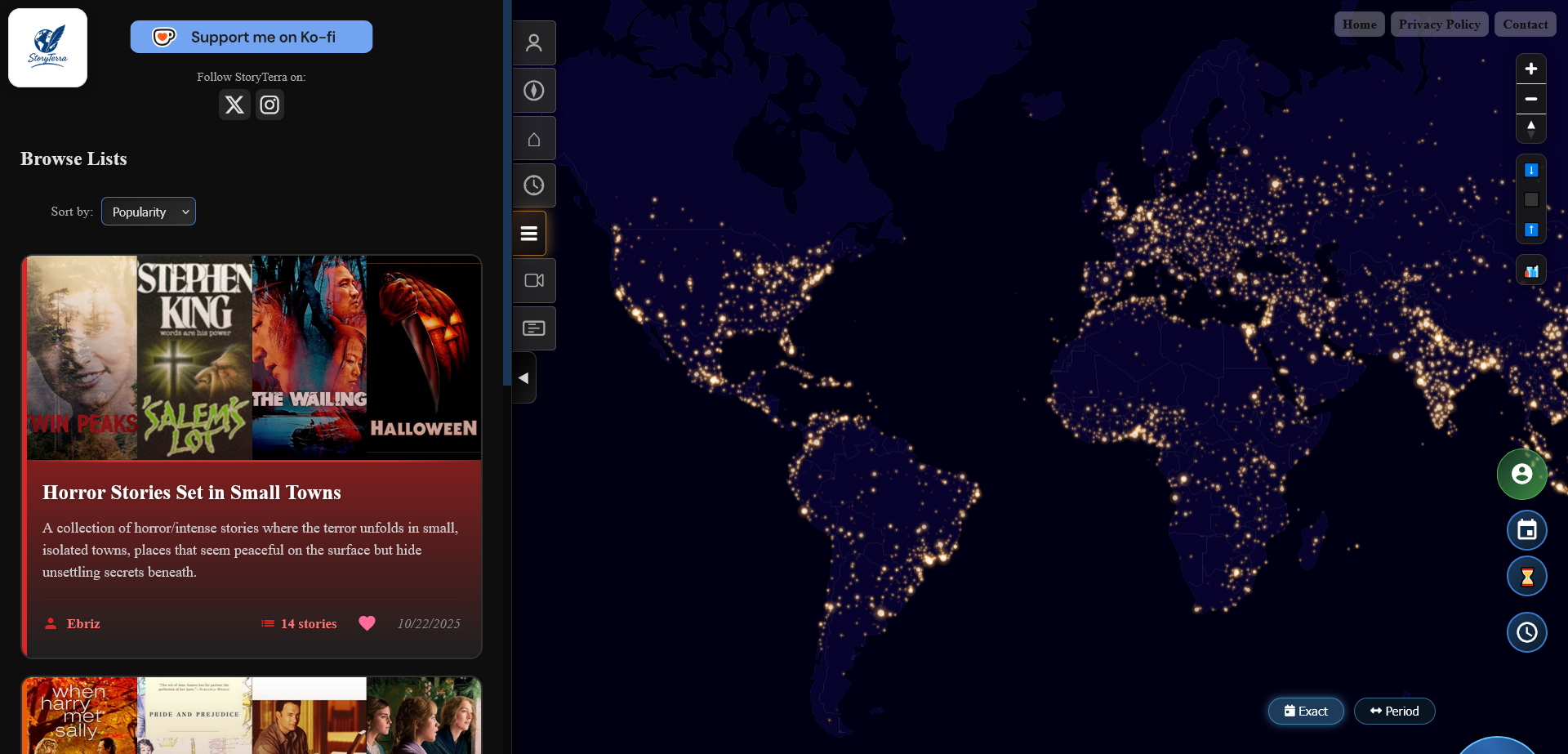
To see what the community is creating, head over to the new Lists tab in the main menu. All user-created lists will appear there, and you can sort them by popularity.